A robot vacuum can save a surprising amount of time, but a connected model may also collect information about the rooms it cleans. Before bringing one home, it is worth checking what the particular machine records, where that information goes and which controls remain in your hands.
Start with the sensors
Robot vacuums do not all “see” in the same way. Depending on the model, they can use different sensors to navigate, map a room or avoid obstacles. Some have cameras; others use different navigation technology. A floor map and a camera image are different kinds of data, and the presence of a camera does not by itself tell you whether images are saved or sent elsewhere.
Look beyond the product name to the exact model’s specifications and privacy notice. Ask whether it captures images or audio, whether it creates a map, and which functions require an internet connection or an account. If the documentation is unclear, ask the manufacturer before buying.
Where does the map go?
A map can make it easier to send a cleaner to a particular room or keep it away from a cable-filled corner. It can also describe the layout of your home. Check whether the map stays on the device, is stored in a company account, or is shared with other services you choose to connect.
For devices listed in iRobot’s privacy policy, the company says its app offers a choice not to transmit map data to it. Stopping map transmission does not necessarily stop other device data collection. Its description of image collection varies by product and feature: for certain connected robots made before 2025 with camera-based navigation, it describes an opt-in for collection and a separate choice to share individual images. Those terms are specific to the products covered by that policy, not a rule for every robot vacuum.
Review the app before the first clean
Open the privacy and data-sharing settings before running the machine. Look for optional image collection, product-improvement programmes, voice assistants and account-sharing features. Turn off anything you do not want and check what functionality changes as a result. If obstacle photographs appear in the app, find out who can see them, how to delete them and whether they are shared automatically or only after a separate choice.
Read the retention and deletion information too. Removing a map in the app may not have the same effect as deleting an account or requesting deletion of cloud data. The manufacturer’s instructions for your model should explain the difference.
Protect the account and home network
Use a unique password for the vacuum account and enable multi-factor authentication if the service offers it. Keep the app, robot firmware and home router updated. The US Federal Trade Commission’s connected-device guidance also recommends securing the router and checking the settings of internet-connected devices.
Before selling or giving away a vacuum, follow the maker’s instructions to remove it from your account, delete stored maps where possible and reset the device. Check whether a separate data-deletion request is needed.
Five questions before buying
- Does this exact model have a camera or microphone, and what are they used for?
- Where are maps and any images stored, and who can access them?
- Can optional data sharing be switched off without losing the functions I need?
- How long will the company provide security updates?
- How do I delete my maps, account data and device access when I stop using it?
The answers will differ between brands and models. Treat privacy information as part of the purchase decision, alongside cleaning performance, replacement parts and price.
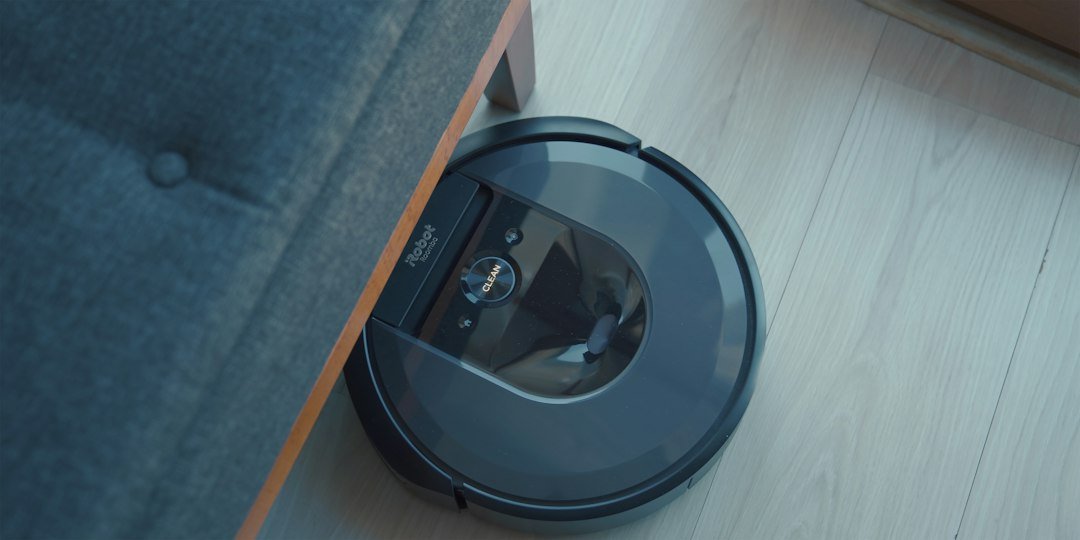
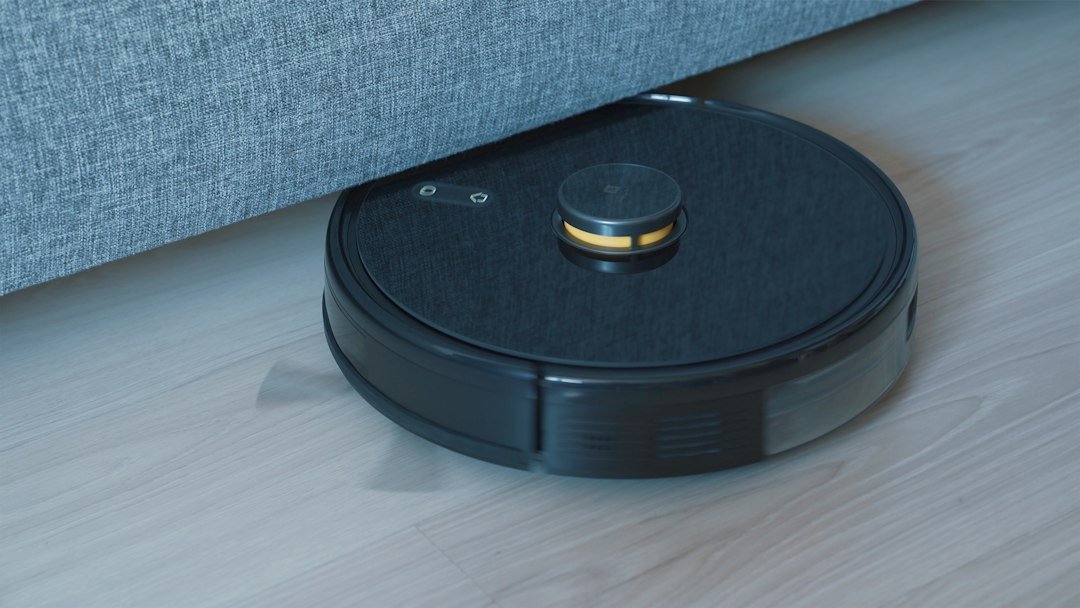
Illustrative photograph: Onur Binay / Unsplash. The image does not identify a product assessed in this article.